
Information about the e-Paper service
Information for KAV Centre for Assessing Fitness to Drive and Drivers’ Examinations Non-Profit Limited Liability Company (KAV Közlekedési Alkalmassági és Vizsgaközpont Nonprofit Kft.) on complaints and reports of public interest to be submitted via e-paper service
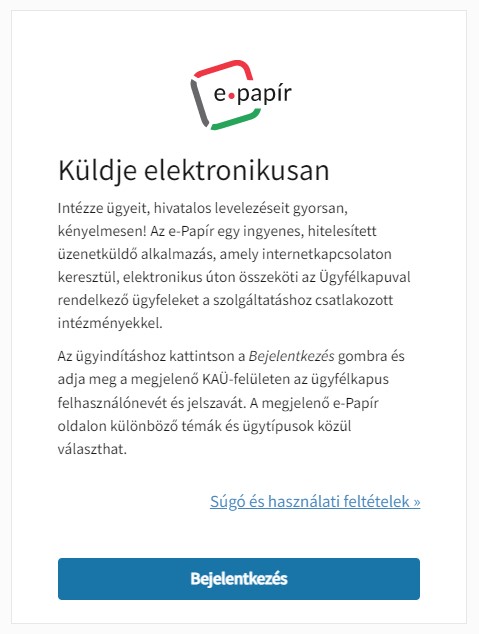
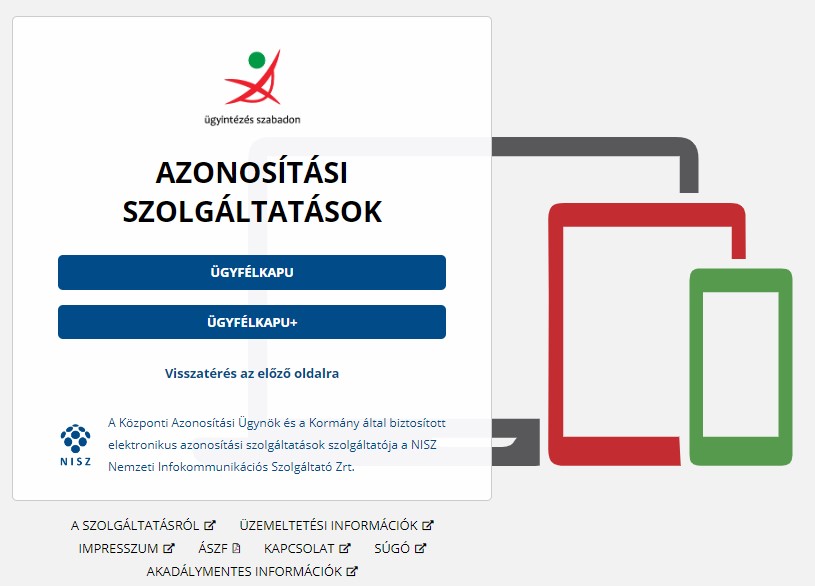
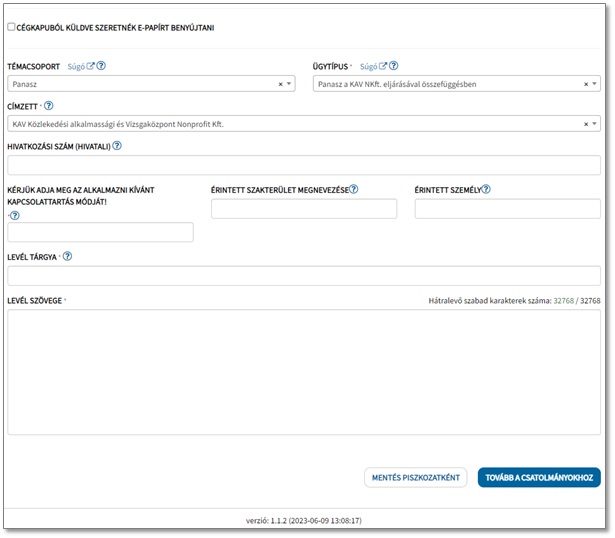
Both complaints and reports of public interest can be made via e-paper on the website https://epapir.gov.hu/ after having pushed the BEJELENTKEZÉS (meaning LOGIN) button following the registration to Ügyfélkapu (i.e. Client Gateway).
INSTRUCTIONS
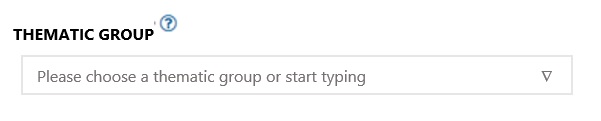
THEMATIC GROUP
In the drop-down menu named TÉMACSOPORT (Hungarian equivalent for THEMATIC GROUP), please select Panasz (Hungrian equivalent for COMPLAINT), or start typing the Hungarian word – also in the case if you wish to make a report of public interest). It is not compulsory to fill in the field, however, once the ÜGYTÍPUS (that is the CASE TYPE) has been selected, the field will be filled in automatically.
You will read:

In English it means:
CASE TYPE
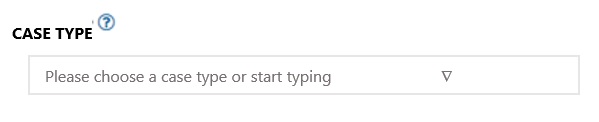
In the drop-down menu named ÜGYTÍPUS (Hungarian equivalent for CASE TYPE), please select Panasz a KAV NKft. eljárásával összefüggésben (meaning Complaint concerning a procedure provided by KAV NKft.) or start typing the Hungarian expression. It is compulsory to fill in the field.
You will read:

In English it means:
ADRESSEE
In the drop-down menu named CÍMZETT (Hungarian equivalent for ADDRESSEE), please select KAV Közlekedési Alkalmassági és Vizsgaközpont Nonprofit Kft.
(that is: KAV Centre for Assessing Fitness to Drive and Drivers’ Examinations Non-Profit Limited Liability Company) or start typing the Hungarian expression. It is compulsory to fill in the field.
You will read:

In English it means:

REFERENCE NUMBER (OFFICE)
In the box named HIVATKOZÁSI SZÁM (HIVATALI) – Hungarian equivalent for REFERENCE NUMBER (OFFICE), please type the reference number or the student identification number. It is not compulsory to fill in the field.
You will read:

In English it means:

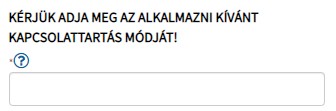
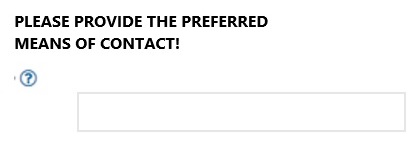
PLEASE PROVIDE THE PREFERRED CONTACT DETAILS!
It is compulsory to fill in the field. (Eg.: e-mail – please provide your e-mail address –; OR by post – please provide your postal address)
You will read:
In English it means:
DEPARTMENT
It is not compulsory to fill in the field.
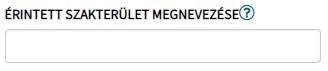
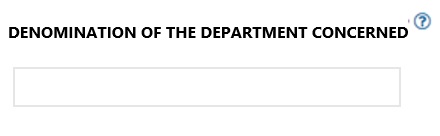
In the field named ÉRINTETT SZAKTERÜLET MEGNEVEZÉSE (Hungarian equivalent for DENOMINATION OR NAME OF THE DEPARTMENT CONCERNED”), please, select the professional field aimed at by your complaint or report. (Optional departments: Közúti Vizsgáztatás =Drivers’ Examination; Szaktanfolyami vizsgáztatás =Professional Drivers’ Examination, Pályaalkalmassági vizsgálat =Driver Aptitude Examination, Vasúti vizsgáztatás =Railway Examination, Hajózási vizsgáztatás =Navigation Examination, Légügyi vizsgáztatás =Aviation Examination, or Drón vizsgáztatás =Drone Examination).
You will read:
In English it means:
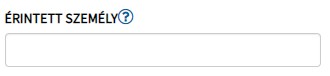
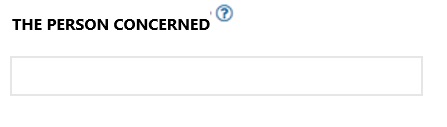
THE PERSON CONCERNED
In the box named ÉRINTETT SZEMÉLY (Hungarian equivalent for THE PERSON CONCERNED), you can name the person(s) who have previously acted on behalf of the Examination Centre. It is not compulsory to fill in the field.
You will read:
In English it means:
SUBJECT
In the box named A LEVÉL TÁRGYA (Hungarian equivalent for SUBJECT THE LETTER), please type if it is a complaint or report of public interest, etc. It is compulsory to fill in the field.
You will read:

In English it means:

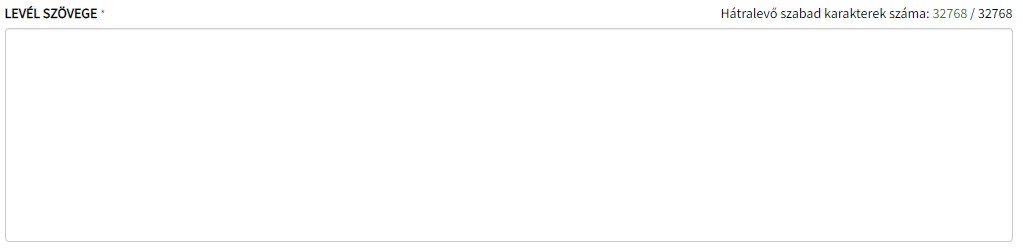
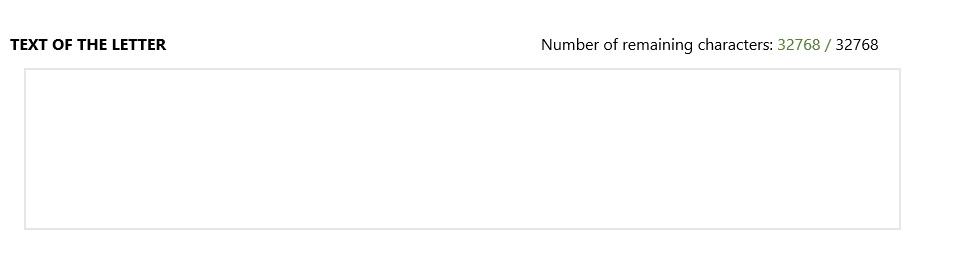
TEXT OF THE LETTER
In the box named A LEVÉL SZÖVEGE (Hungarian equivalent for THE TEXT OF THE LETTER), please provide a precise desciption of the complaint or report of public interest, including all the relevant information and circumstances as well as precedents of the case, if any. It is compulsory to fill in the field.
You will read:
In English it means:
You will read:
In English it means:
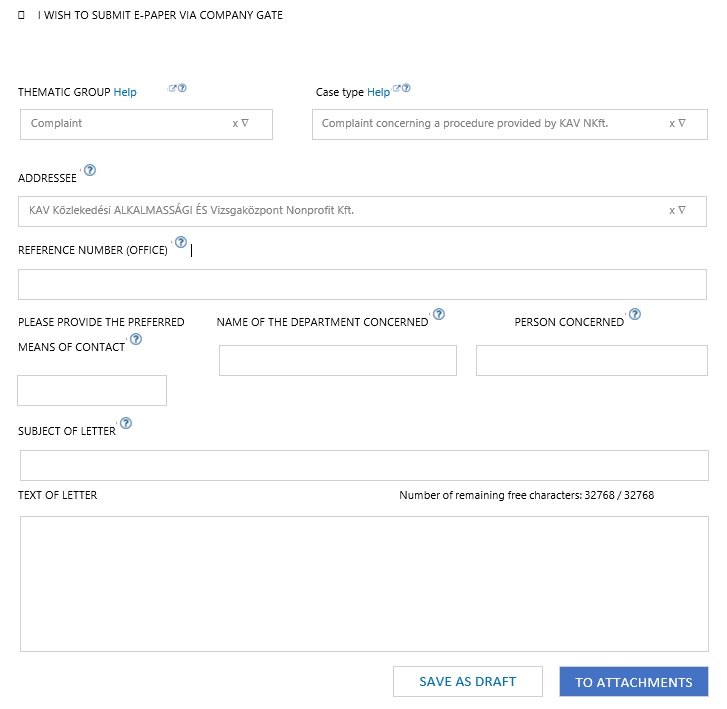
The button named MENTÉS PISZKOZATKÉNT (Hungarian equivalent for SAVE AS DRAFT) gives you the opportunity to pause your report as well as to continue and submit it at a later date. Please note, however, that drafts will automatically be deleted after 15 days!
You will read:
In English it means:

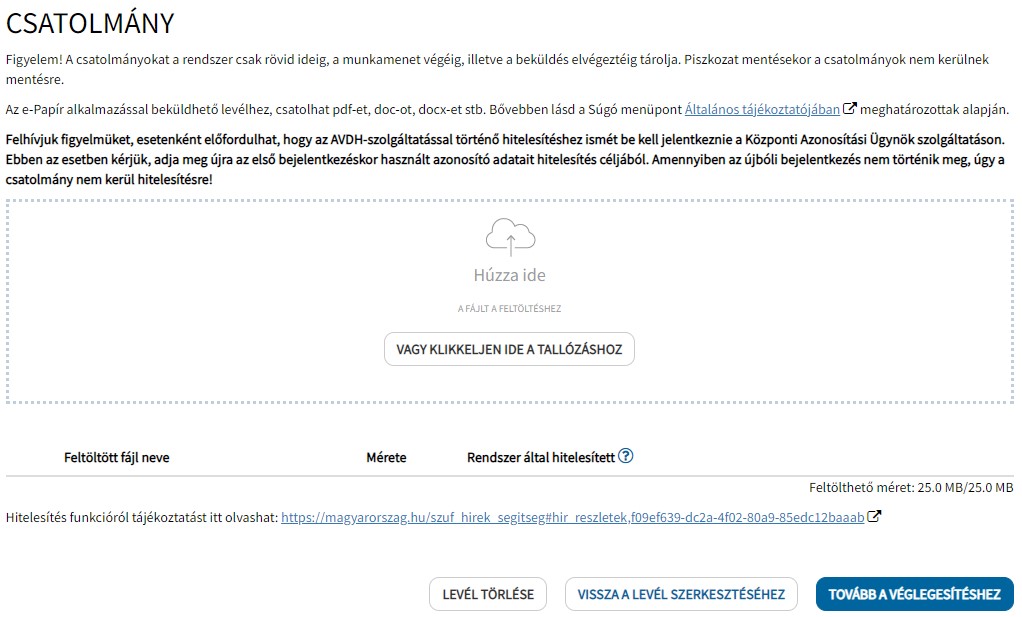
Documents can be attached after pressing the button named TOVÁBB A CSATOLMÁNYOKHOZ (Hungarian equivalent for PROCEED TO ATTACHMENTS)
You will read:
In English it means:
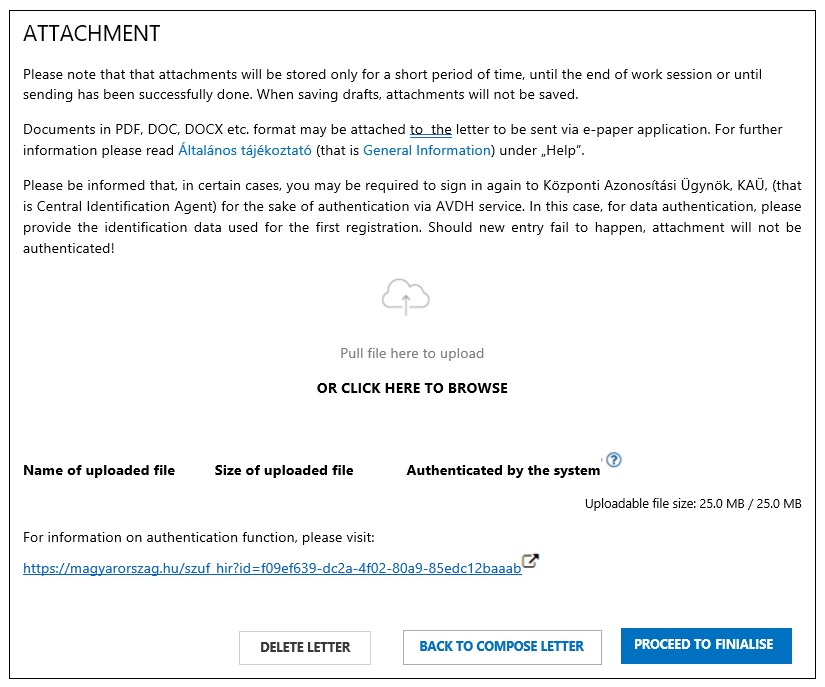
The document can be finalised by pressing the TOVÁBB A VÉGLEGESÍTÉSHEZ (that is PROCEED TO FINALISE) button.
A következő oldalon az alábbi lehetőségek állnak rendelkezésre:

The following possibilities are at your disposal on the following page:
You will read:
A  gomb megnyomásával a beadvány véglegesítésre kerül, amit az alábbi felugró ablak követ.
In English it means:

The document gets finalised by pressing the KÜLDÉS (that is SEND) button followed by the below popping up window:
You will read:
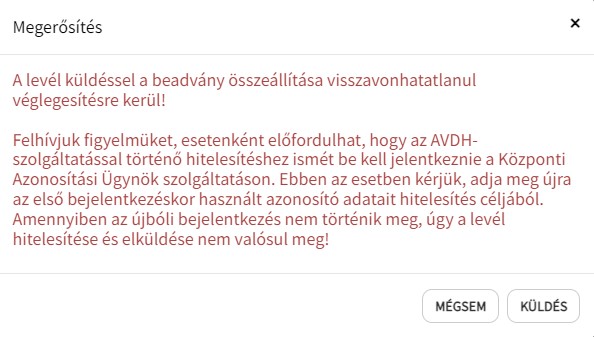
In English it means:
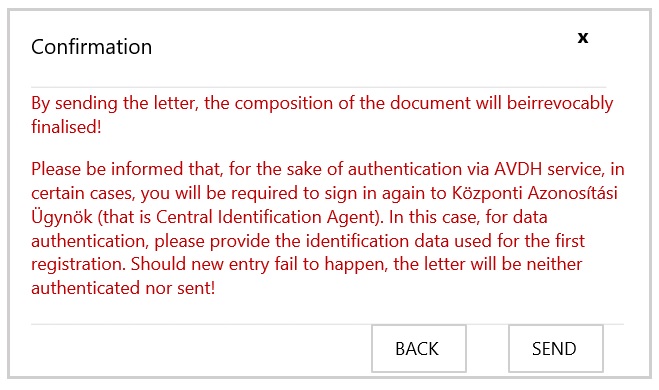
The document will be sent by pressing the KÜLDÉS (that is SEND) button.
The draft letter will be deleted by pressing LEVÉL TÖRLÉSE (that is DELETE LETTER) button.
You can return to attachments by pressing VISSZA A CSATOLMÁNYOK KEZELÉSÉHEZ (that is BACK TO MANAGE ATTACHMENTS) button.
The complete document can be modified by pressing VISSZA A LEVÉL SZERKESZTÉSÉHEZ (that is BACK TO COMPOSE LETTER) button.